Convert to Oxygen Classic
The tightest loop of all: copy in Figma, paste in the Oxygen Builder. Best for existing Oxygen 4.x sites.
Steps
- Select your frame or section in Figma and open ready→made.
- Choose Oxygen Classic and convert, then Copy the output — the exported element JSON.
- In the Oxygen Classic builder, press Ctrl/Cmd + Shift + I to open the Import Element JSON dialogue.
- Paste the JSON into the box and click Import. The structure lands as native Oxygen elements —
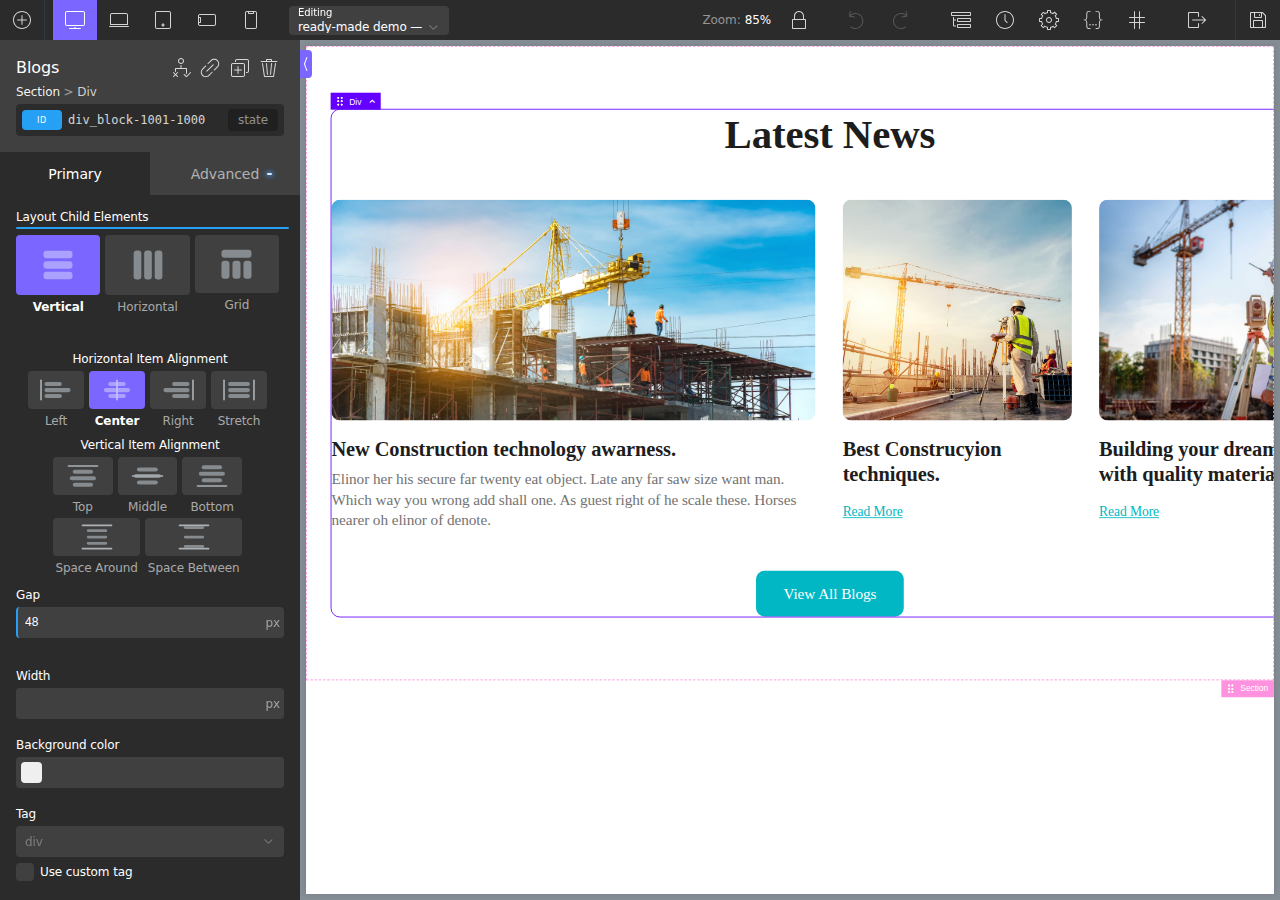
ct_section,ct_div_block,ct_headline,ct_image,ct_text_block. - Adjust as needed. It's all native, editable Oxygen now — tweak anything in the builder.
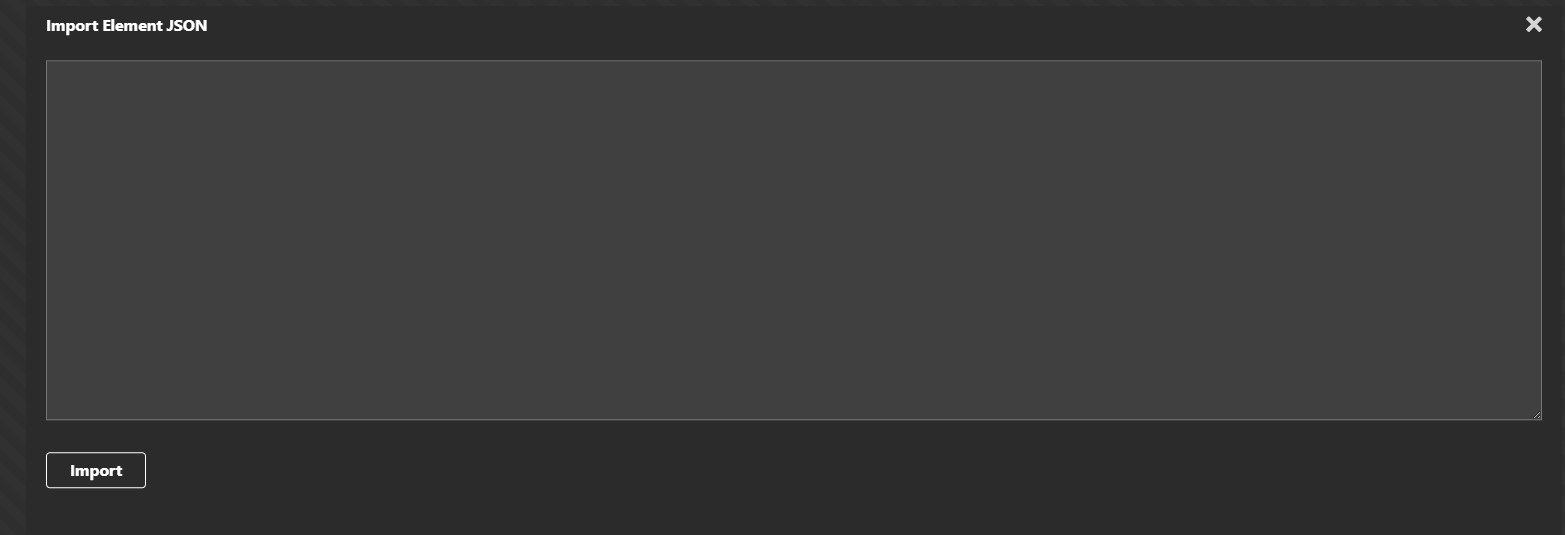
💡 No plugin needed for Oxygen Classic — the Import dialogue is built into the builder. See Oxygen's keyboard shortcuts (Ctrl/Cmd+Shift+I = Open Import Dialogue). The Ready-Made Oxygen Integration plugin is only required for Oxygen 6.
What comes across
- Native elements, not a code block — you keep editing visually in Oxygen.
- Real flex/grid reconstructed from your layout, with Oxygen's
-unitconvention handled correctly (so10pxradii and gaps land right, not as10pxpxor unitless values). - Images and inline SVG exported and wired up.
What it looks like in the builder
After pasting, the design is native Oxygen elements you keep editing — real structure, real layout controls:
Design in, code out
Figma design on the left, the converted result running live on a real Oxygen WordPress site on the right — the large featured card, the two smaller cards and the uniform image heights all reproduced:

Migrating to the rebuilt builder instead? See Convert to Oxygen 6.