Oxygen 4.9 JSON Input
Oxygen 6.0 JSON Output
Oxygen 6 is a full rebuild with no backward compatibility. Paste your Oxygen Classic JSON, choose how to handle your classes, and get an import bundle for our free ready→made plugin — so your styling lands intact instead of as "(deleted)" classes.
Oxygen 6 doesn't read your old builder data. This free converter rewrites your Oxygen Classic JSON for the new engine and hands you an import bundle for the free ready→made WordPress plugin. Install it, open Oxygen 6, and click Paste from ready→made — it drops in the converted structure and registers every CSS class as a global selector, so nothing shows up as "(deleted)". Pick Keep classes to preserve your original names (each element's own styles become a selector named after its Oxygen 4 selector) or Flatten classes to fold everything into one self-contained class per element.
Right-click the element or section in the Oxygen 4 builder and choose Export — you get the JSON to paste here.
Paste it below, choose how to handle your CSS classes, hit Convert, copy the result.
In Oxygen 6, click "Paste from ready→made" (free plugin) — structure and classes import in one step.
🔒 Conversion runs in your browser. To improve conversion quality we keep an anonymized structural copy of the input — all text is scrambled and URLs removed before anything leaves your browser. Details.
✓ You're on the list — we'll email you when this converter gets better.
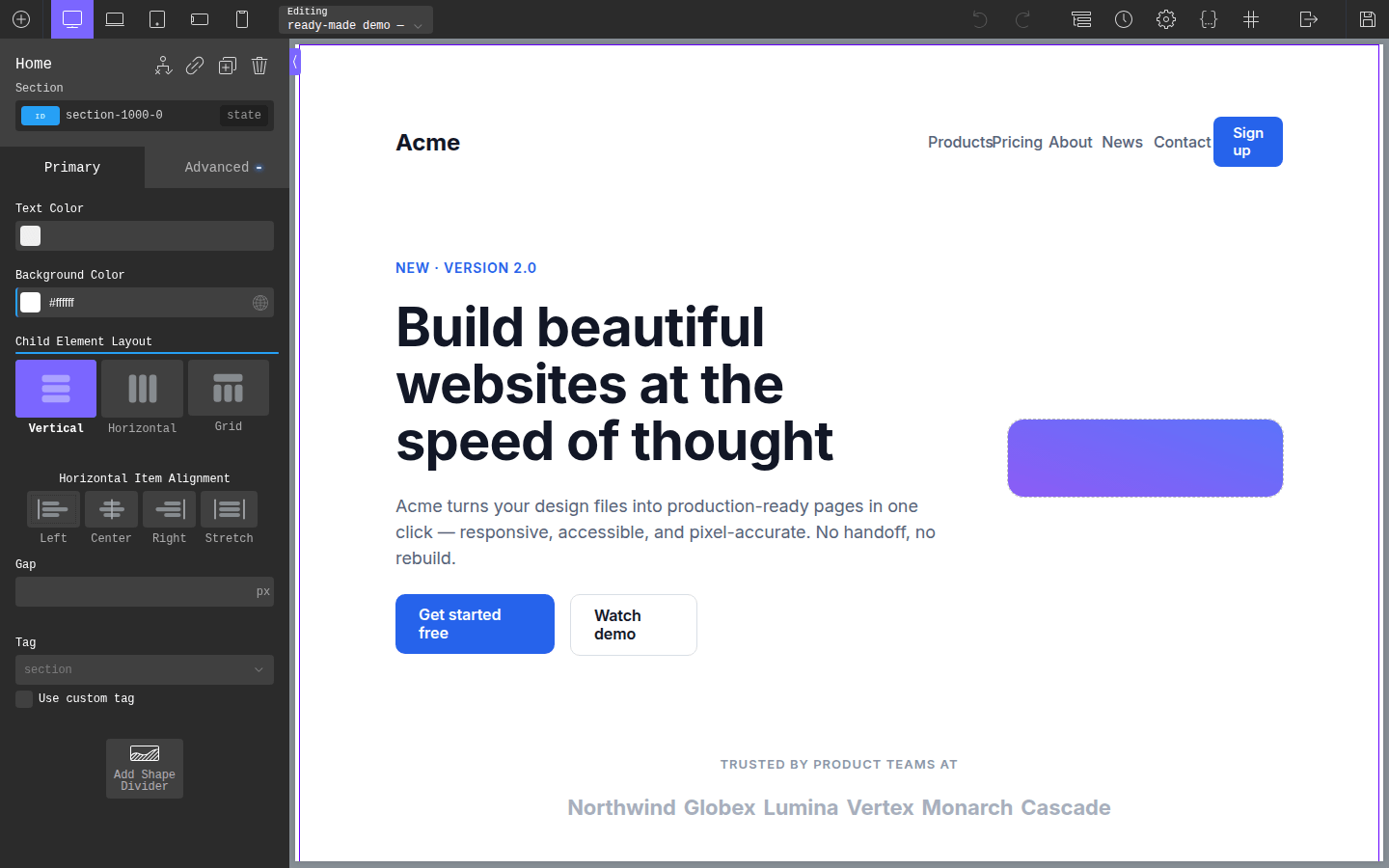
Open the page in the Oxygen 4 builder, right-click the section or element you want to migrate and choose Export. Oxygen's native export gives you the full JSON — structure and classes — ready to paste into the converter. Nothing to install on the old site.
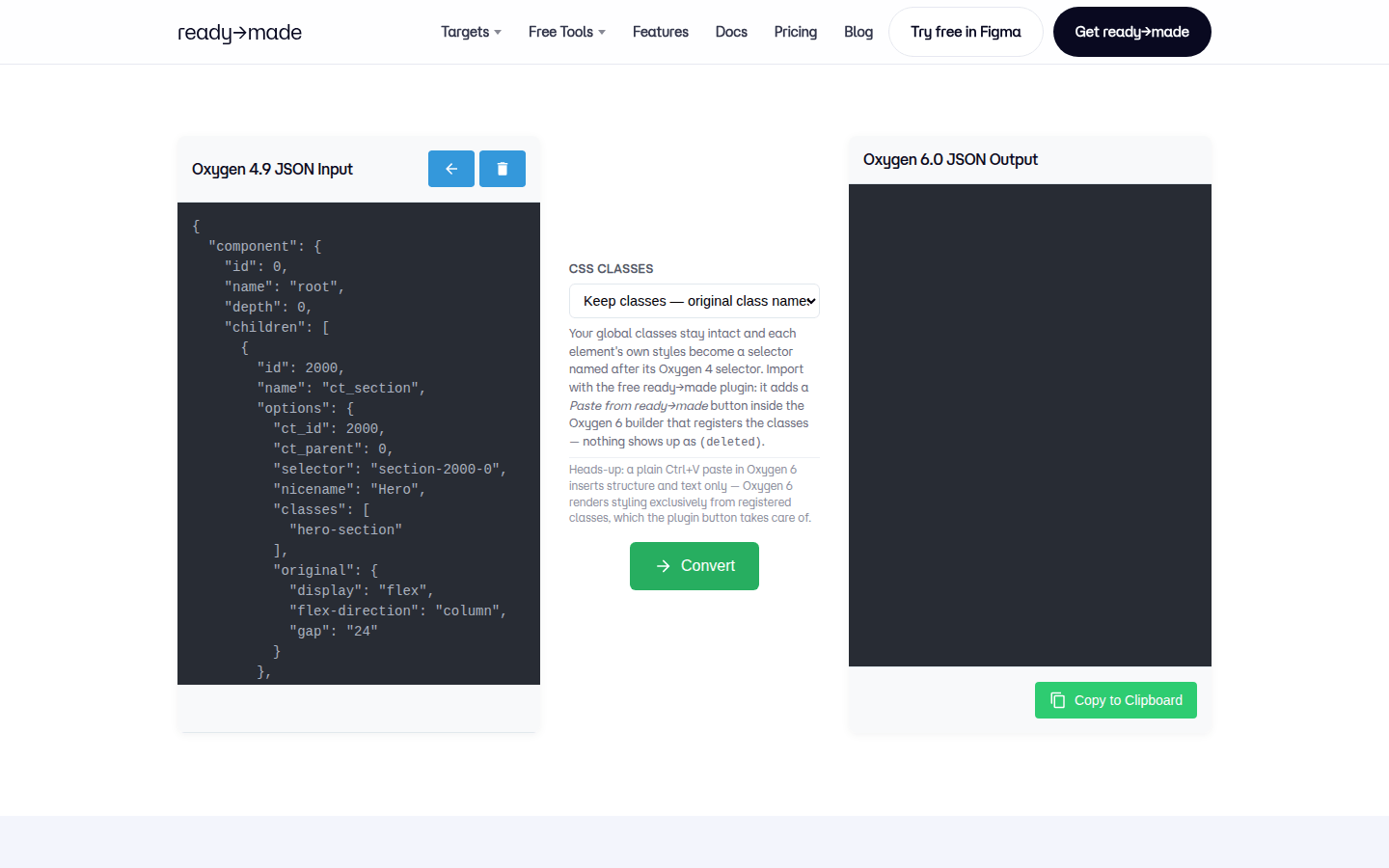
Paste the JSON into the input panel. Under "CSS classes", pick Keep classes to preserve your original class names, or Flatten classes for one self-contained class per element — a clean slate without the old class system.
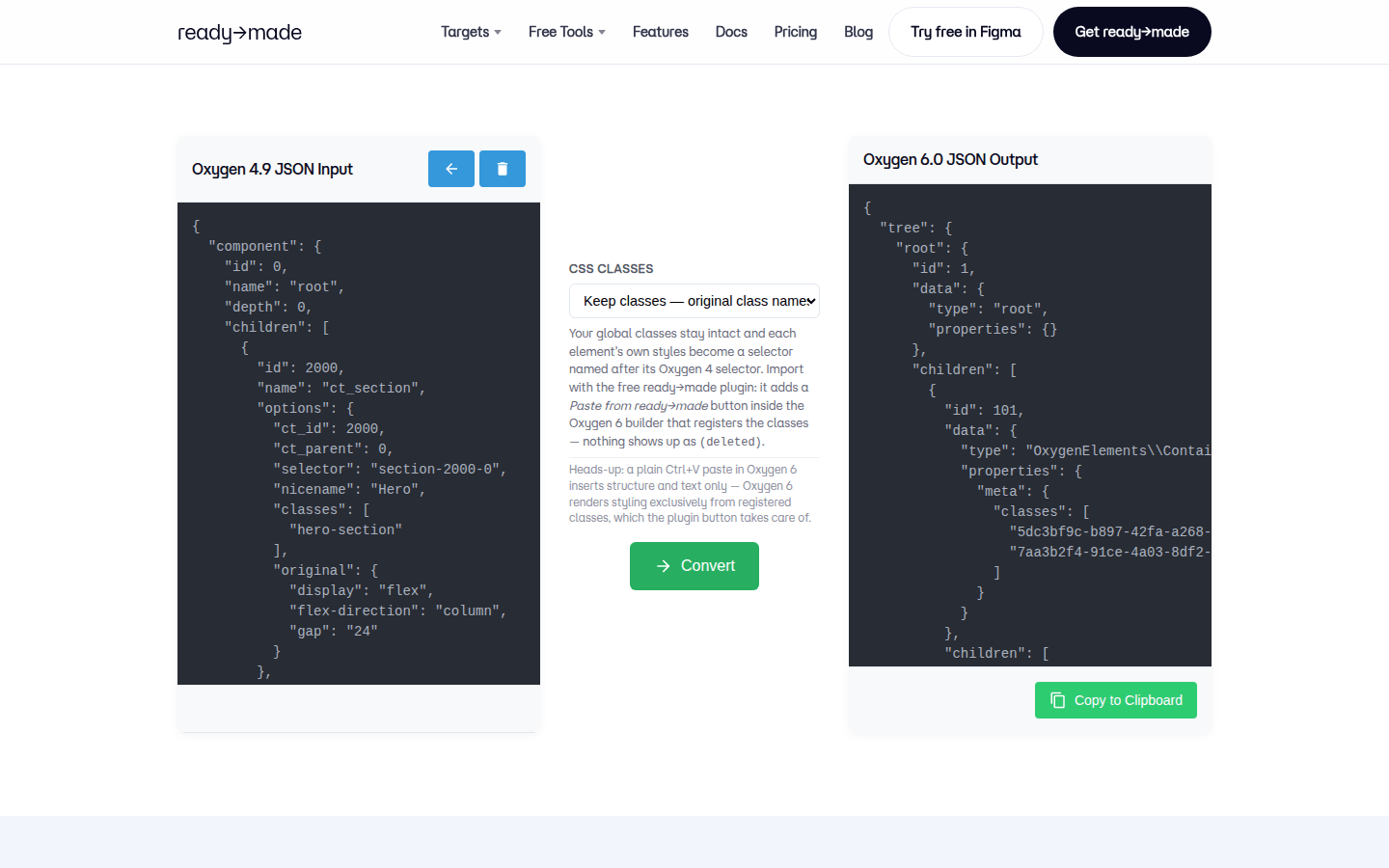
Hit Convert, then Copy to Clipboard. The output is an import bundle for the free ready→made plugin — element tree plus all your classes as Oxygen 6 global selectors.
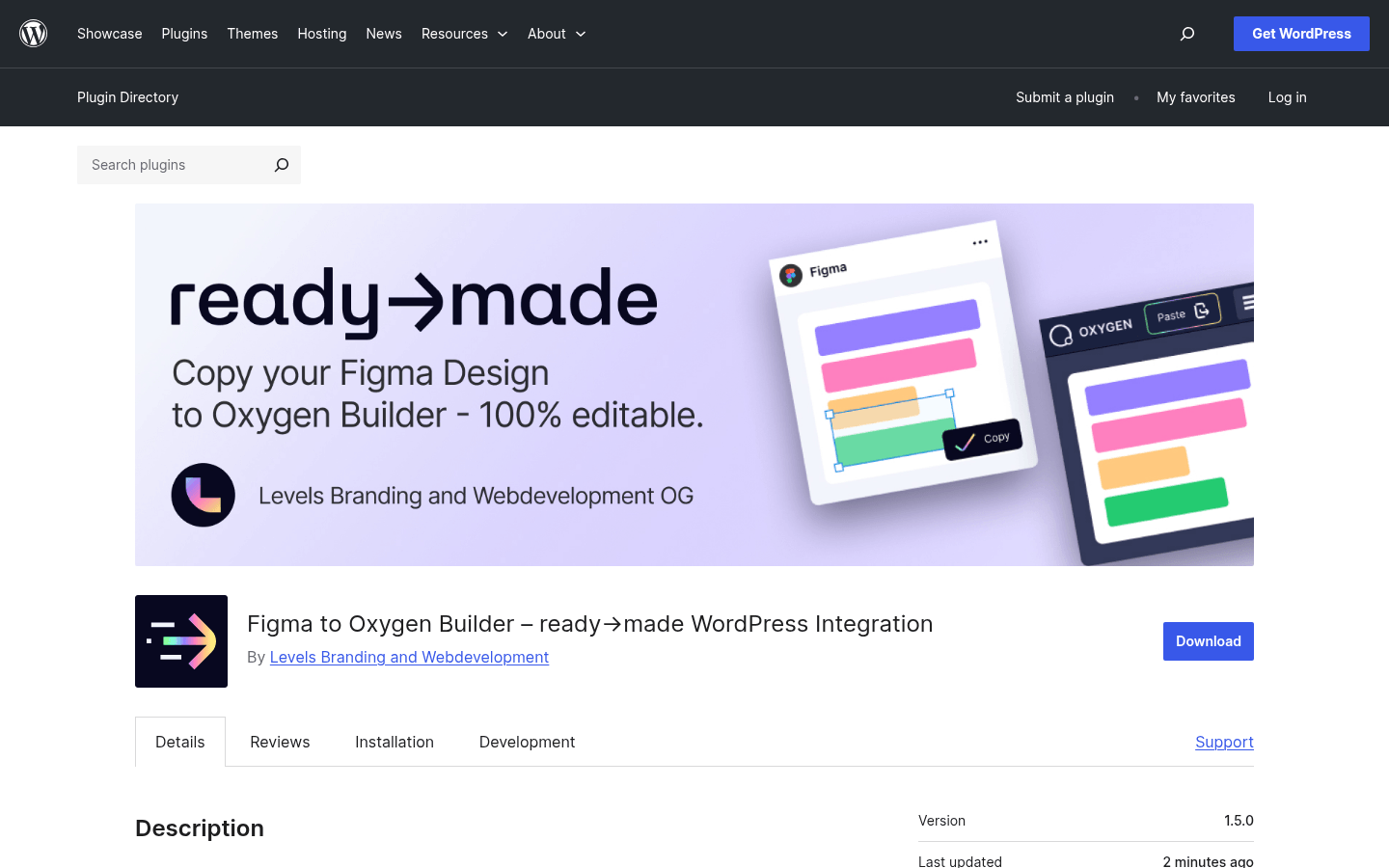
In WordPress go to Plugins → Add New and search for "ready made oxygen", or grab it from wordpress.org. One plugin, no account, no server round-trip — the import runs entirely on your own site.
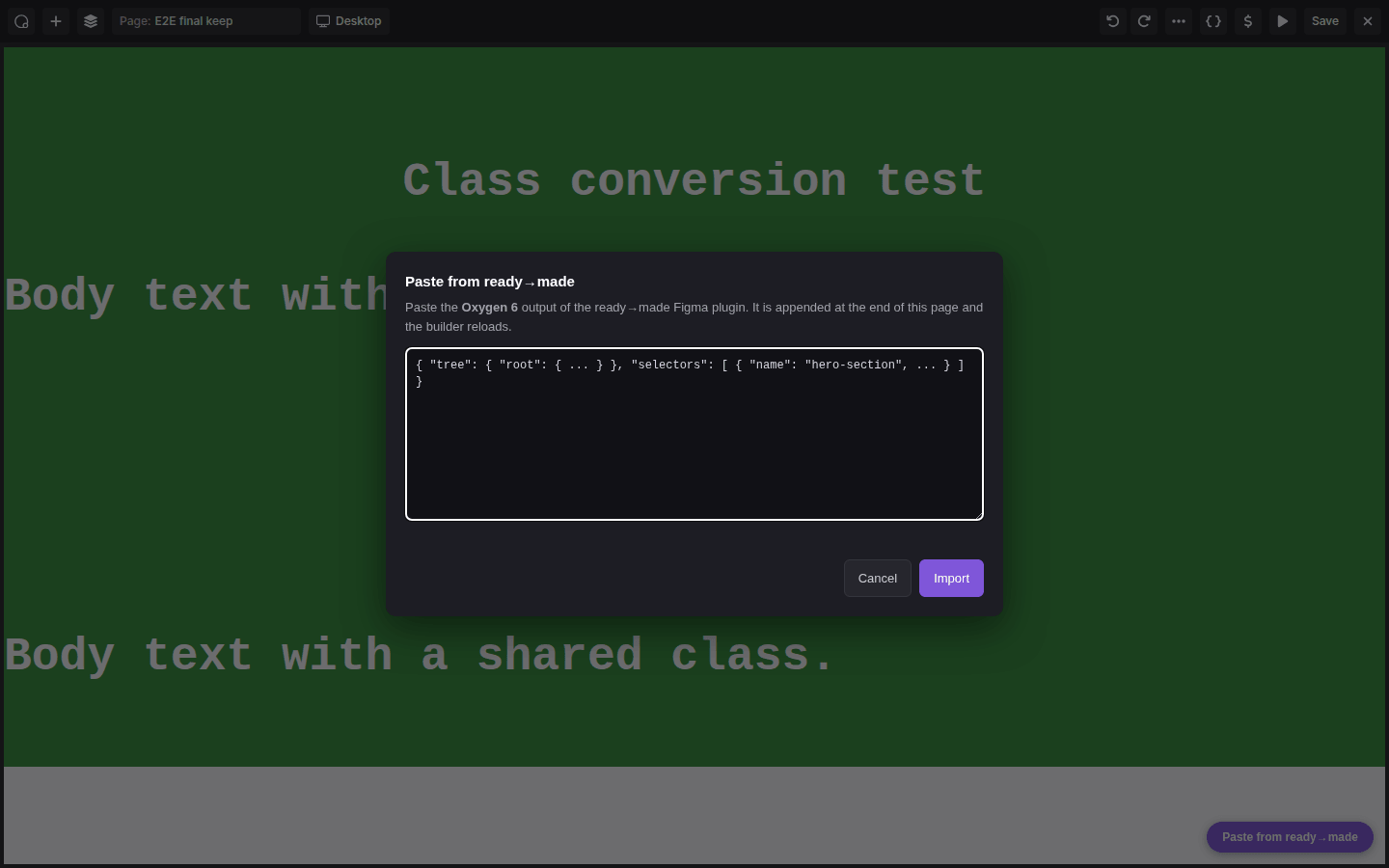
Open the target page in the Oxygen 6 builder and click the purple Paste from ready→made button (bottom right). Paste the converted bundle and hit Import — it appends the structure to the page, registers every class as a global selector and reloads the builder.
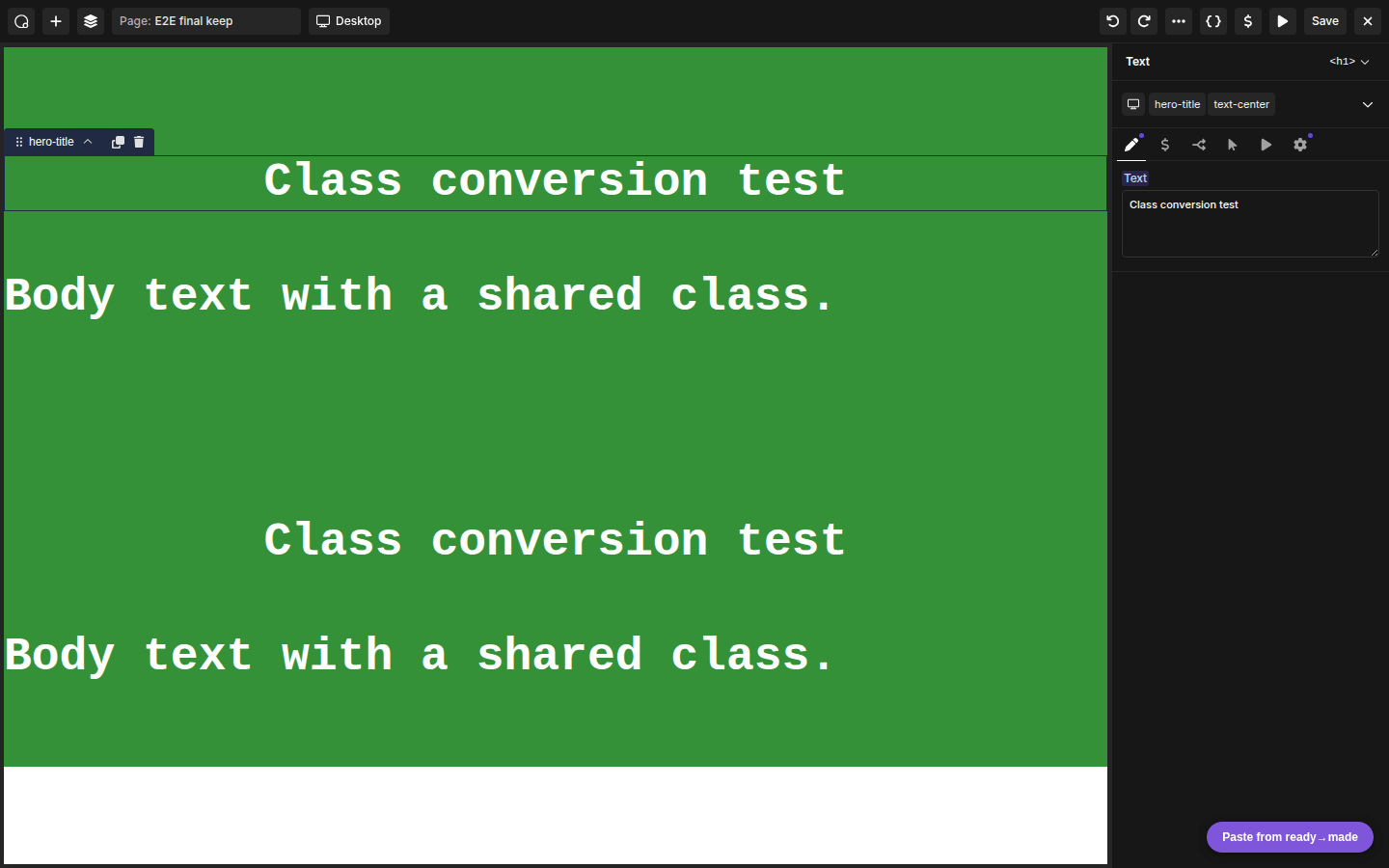
The imported elements arrive fully styled and the class field shows your real class names — no "(deleted)" chips. From here you keep building in Oxygen 6 as usual.
ready→made converts your Figma designs straight into Oxygen 6 — real structure, not a screenshot guess.
Yes — the Oxygen 4→6 converter is completely free to use, and so is the ready→made plugin that imports the result.
Your Oxygen Classic component/page JSON. The tool returns an import bundle for Oxygen 6.
Oxygen 6 renders styling exclusively from registered classes. The free ready→made plugin adds a "Paste from ready→made" button inside the builder that imports your structure and registers every class as a global selector in one step. A plain Ctrl+V without the plugin pastes structure and text only — completely unstyled.
You choose. Keep classes preserves your original class names, turning each element's own styles into a selector named after its Oxygen 4 selector. Flatten classes folds everything into a single self-contained class per element. Either way the plugin registers them as global selectors, so they never appear as "(deleted)".
Then use ready→made: Figma to Oxygen 6 to convert the design directly.