Convert to Oxygen Classic
The tightest loop of all: copy in Figma, paste in the Oxygen Builder. Best for existing Oxygen 4.x sites.
Steps
- Select your frame or section in Figma and open ready→made.
- Choose Oxygen Classic and convert, then Copy the output — the exported element JSON.
- In the Oxygen Classic builder, press Ctrl/Cmd + Shift + I to open the Import Element JSON dialogue.
- Paste the JSON into the box and click Import. The structure lands as native Oxygen elements —
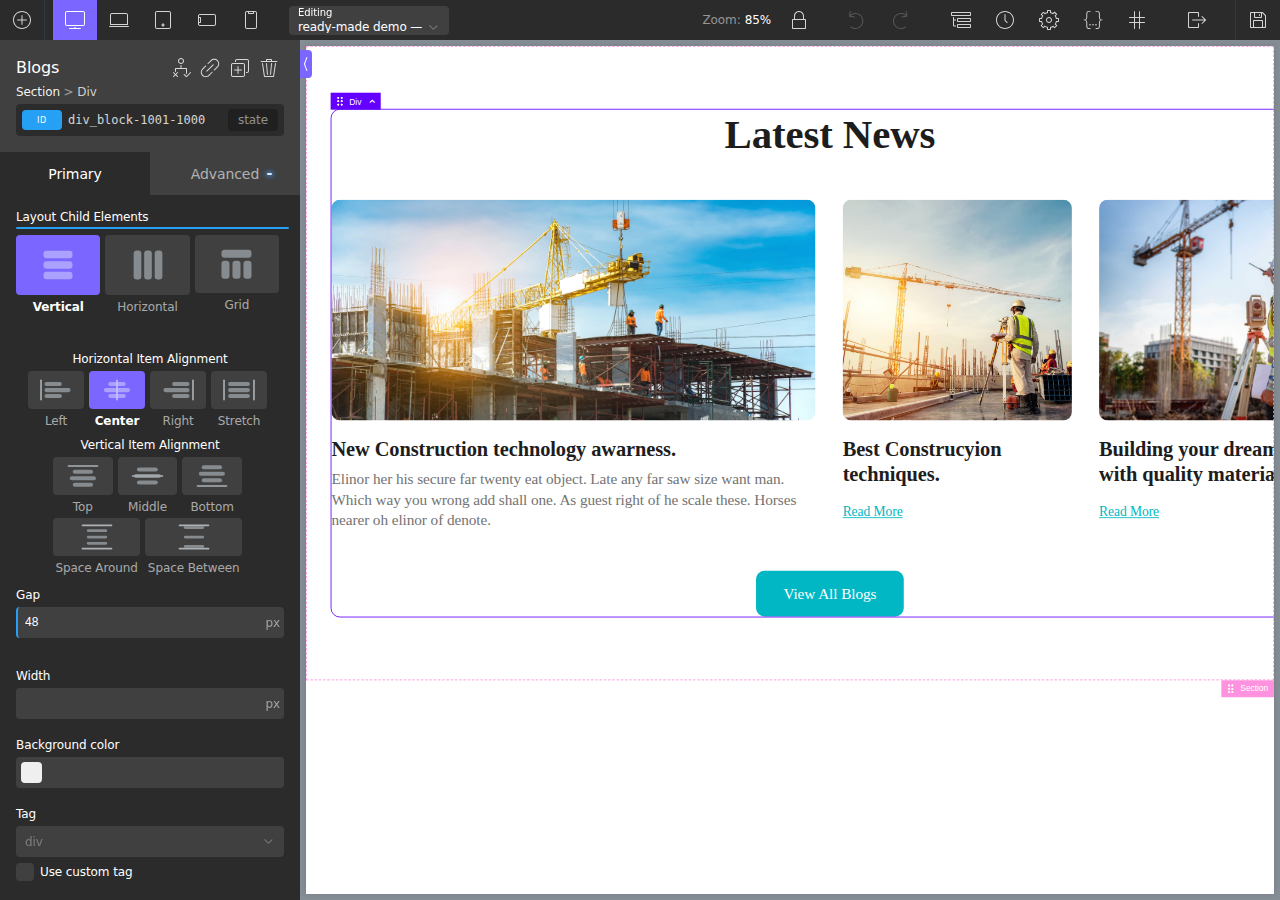
ct_section,ct_div_block,ct_headline,ct_image,ct_text_block— with your classes and styles applied. - Adjust as needed. It's all native, editable Oxygen now — tweak anything in the builder.
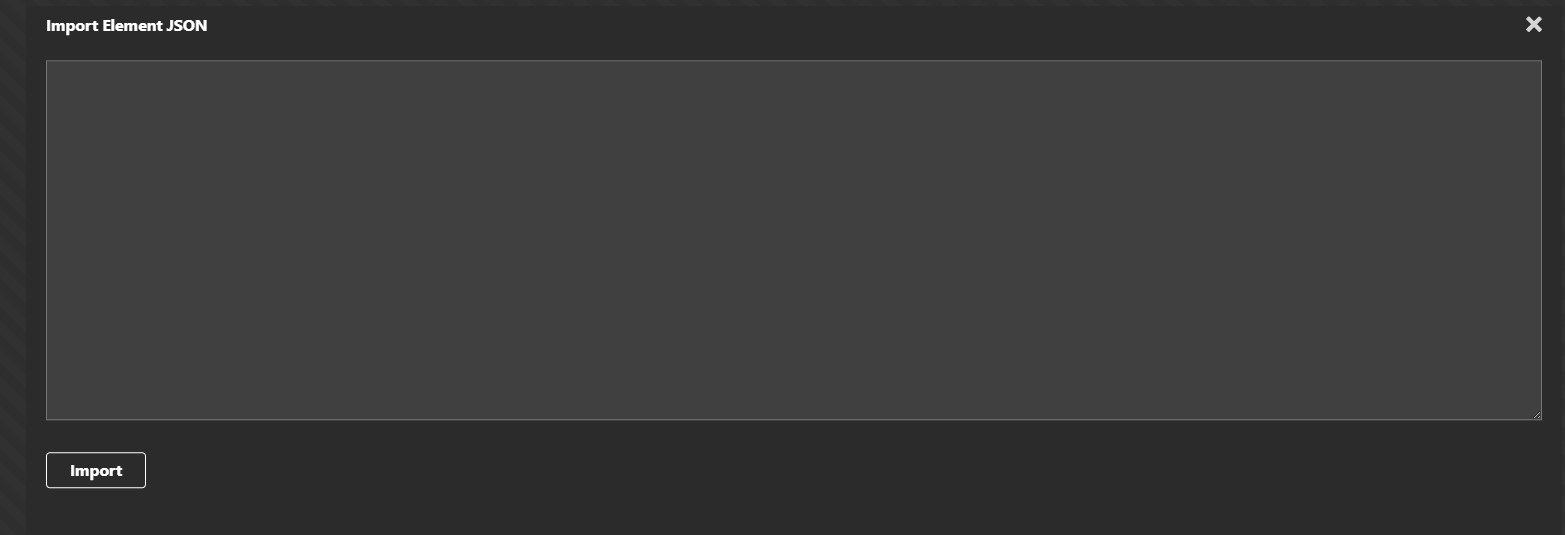
💡 No plugin needed for Oxygen Classic — the Import dialogue is built into the builder. See Oxygen's keyboard shortcuts (Ctrl/Cmd+Shift+I = Open Import Dialogue). The Ready-Made Oxygen Integration plugin is only required for Oxygen 6.
What comes across
- Native elements, not a code block — you keep editing visually in Oxygen.
- Real flex/grid reconstructed from your layout, with Oxygen's
-unitconvention handled correctly (so10pxradii and gaps land right, not as10pxpxor unitless values). - Images and inline SVG exported and wired up.
- Classes mapped so shared components (headers, footers) reuse the same selectors across pages.
What it looks like in the builder
After pasting, the design is native Oxygen elements you keep editing — real structure, real layout controls:
Design in, code out
Figma design on the left, the converted result running live on a real Oxygen WordPress site on the right — the large featured card, the two smaller cards and the uniform image heights all reproduced:

Migrating to the rebuilt builder instead? See Convert to Oxygen 6.